darktable preset inspired by IlfordDelta 100 Professional
Firm-contrast black and white with deep blacks, a lighter sky and very fine grain; neutral gray, no shoulder.
- Film
- GA — 080 · sheet, datasheet, sources
- Pack
- Full pack
- darktable
- 5.6 or later
- In darktable
- Styles › Pellicules › N&B
- File
- Pellicules - N&B - Ilford Delta 100.dtstyle
A darktable 5.6 style built from the Ilford Delta 100 datasheet: native modules, no LUT, measured on real RAW files. In the full pack.
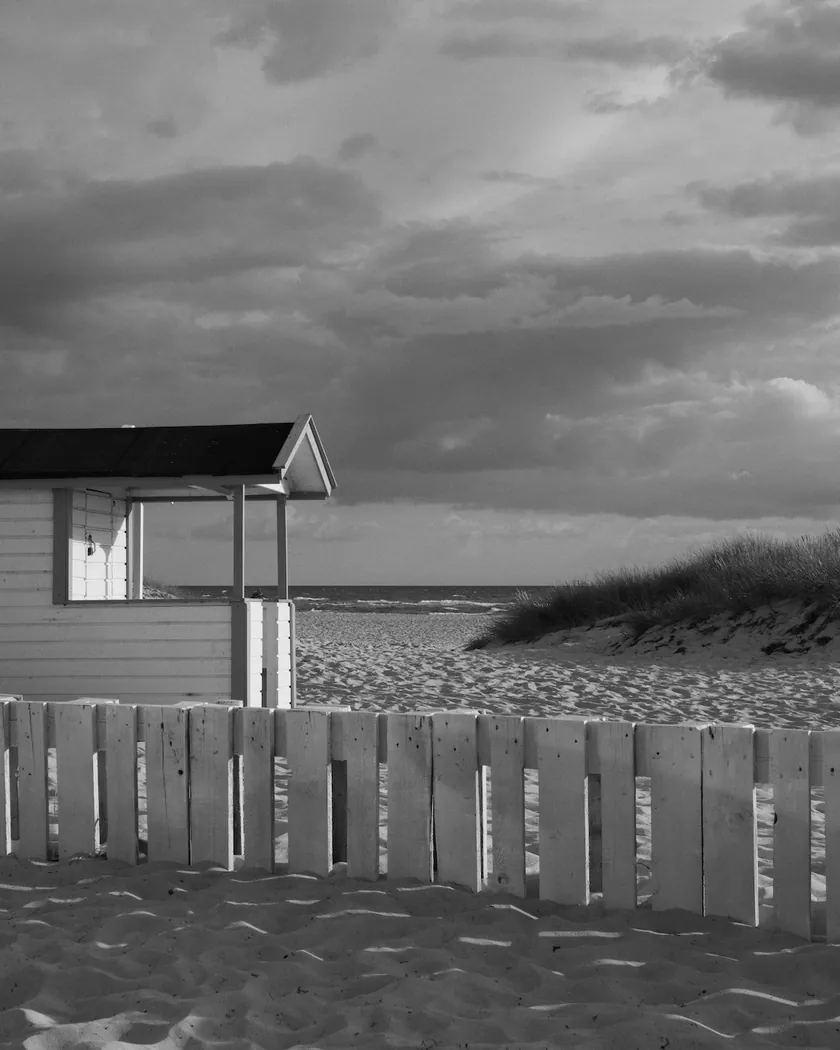
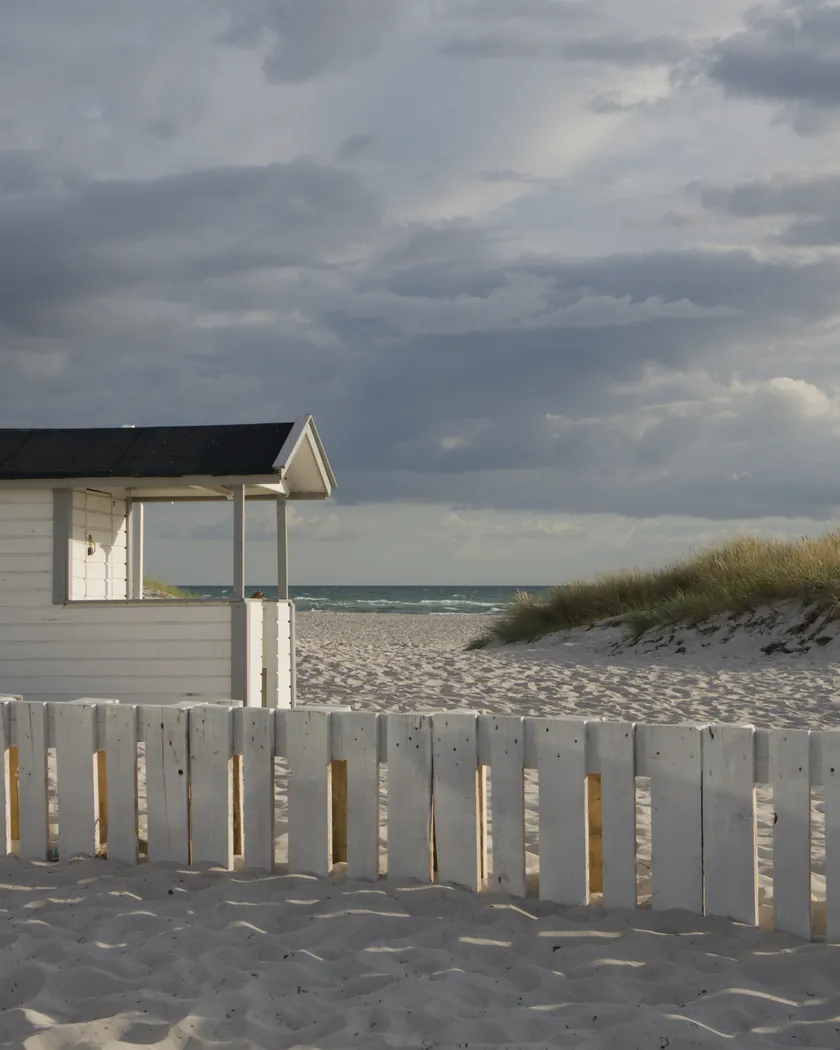
Translation into darktable
| Module | Role | Settings |
|---|---|---|
| color calibration (main instance) | Switched off, so chromatic adaptation cannot tint the gray; left at darktable's default settings so it can be switched back on | Disabled; “as shot in camera”, CAT16 |
| color calibration (instance “N&B”) | Black-and-white conversion with weights integrated from our reading of the spectrogram in the April 2023 datasheet. darktable's “monochrome | ILFORD DELTA 100” preset differs by at most 0.005 (0.2455 / 0.2537 / 0.5008) | Gray = 0.2495·X + 0.2487·Y + 0.5018·Z |
| tone curve | Short toe, firm midtones, no shoulder. Tuned by comparison with the FP4 Plus, Delta 400 and Acros 100 II styles, not from a density measurement | Nodes (0, 0) (0.07, 0.035) (0.18, 0.13) (0.35, 0.30) (0.5, 0.505) (0.65, 0.70) (0.8, 0.86) (0.92, 0.96) (1, 1) |
| sharpen | Light sharpening for the crisp detail reviews describe; the measured effect is small | Radius 1.5, amount 0.6, threshold 0.5 |
| grain | Between the Acros 100 II (900 / 13) and FP4 Plus (1100 / 18) styles, finer than Delta 400 (1400 / 20); tuned from the reviews, since no granularity is published | Coarseness 1000, strength 15, midtones bias 85 |
Measurements
The measurements come from a few test photos of our own, which are not published on this site. The photos shown here are different.
| Photo | Zone | Baseline | Metric | Before | After | Film expectation |
|---|---|---|---|---|---|---|
| 0775 | sky | Base rendering | L (whole style) | 55.3 | 62.9 | Lighter: the film is more blue-sensitive than the eye |
| 0989 | skin | Base rendering | L (whole style) | 78.2 | 78.3 | Level with the base rendering, as the spectral curve suggests |
| 1014 | pink T-shirt | Base rendering | L (whole style) | 47.3 | 45.1 | Slightly darker reds |
| 0775 | whole image | Base rendering | Lsd (contrast) | 14.3 | 18.1 | Stronger contrast than the Plus range |
| 1014 | whole image | Base rendering | Lsd (contrast) | 30.7 | 32.8 | Stronger contrast than the Plus range |
| 1014 | whole image | Base rendering | L5 (blacks) | 2.6 | 1.1 | Deep blacks |
| 1014 | whole image | Base rendering | Share of pixels ≤ 5/255 (%) | 1.6 | 10.3 | Deep blacks without heavy clipping |
| 0989 | whole image | Base rendering | Share of pixels ≥ 250/255 (%) | 0.0 | 0.6 | No shoulder on the characteristic curve: highlights keep rising |
| 0775 | sky | Base rendering | Grain (noise level, 2560 px) | 0.8 | 2.9 | Very fine grain, the finest of the Delta range according to reviews |
| 1014 | whole image | Base rendering | C (neutrality) | 8.6 | 0.0 | Neutral gray, no color cast |
Base rendering: darktable’s default processing of the RAW file, without the preset. Luminance conversion (black and white): the same photo converted with plain luminance weights, to isolate the effect of the film’s spectral sensitivity.
What the style changes
The style converts the photo to black and white the way Delta 100 sees color, then adds its contrast, a little sharpening and a very fine grain. What it is based on is detailed on the Ilford Delta 100 film page. It aims at the film exposed at 100 and developed normally (ID-11 stock, 8½ minutes). All figures below come from renders made with darktable-cli 5.6.0 at 1000 px, measured in CIELab, except the noise levels, taken on the 2560 px examples.
- Gray from the film’s spectral sensitivity. A color calibration instance named “N&B” mixes the channels with weights computed from our reading of the datasheet’s spectrogram, integrated the way darktable builds its own film presets. The weights are 0.2495 / 0.2487 / 0.5018, against 0.2455 / 0.2537 / 0.5008 for darktable’s “monochrome | ILFORD DELTA 100” preset: a maximum difference of 0.005. The early red cutoff of this curve (about 655 nm) weighs little in these weights and they stay close to those of Delta 400.
- Contrast above FP4 Plus. Contrast rises from 14.3 to 18.1 on one test photo and from 30.7 to 32.8 on another. The FP4 Plus style gives 16.9 and 32.1, the Delta 400 style 17.3 and 32.1 and the Acros 100 II style 17.0 and 33.3. That fits the review finding a stronger contrast than the Plus range, but not the review finding Delta softer than Acros: the sources disagree, and the style sits between the two.
- Deep blacks. The darkest 5 % of the frame drop from L 2.6 to 1.1, and 10.3 % of the pixels end up near black on the second photo (Delta 400 style 10.1 %, FP4 Plus 7.6 %, Acros 100 II 6.1 %).
- Highlights: no shoulder. The datasheet curve shows none, and the tone curve follows it. The white point rises from L 87.9 to 90.2 on the second photo, and 0.6 % of the pixels on the portrait are clipped. It is the only style of this comparison that clips any: keep an eye on bright skin.
- A sky lighter than the base rendering, skin unchanged. With the whole style, the sky goes from L 55.3 to 62.9, skin stays at 78.2 → 78.3 and a pink T-shirt goes from 47.3 to 45.1.
- Very fine grain. The noise level is 2.9 against 0.8 without the style, finer than the Delta 400 (4.1) and FP4 Plus (3.6) styles and a little more visible than Acros 100 II (2.6).
- A truly neutral gray. Chroma falls from 8.6 to 0.0: no color cast is left.
What it leaves alone
-
Your base development. The style contains no exposure, no sigmoid or filmic and no LUT. Those settings stay as you made them.
-
But it switches off your main color calibration. The style contains two color calibration instances:
- a disabled one with no instance name, which replaces your main color calibration and switches it off. It is set to “as shot in camera” with CAT16, like darktable’s default, so you can switch it back on;
- the “N&B” instance, which is added and does the black-and-white conversion.
Why: when an active color calibration runs after the black-and-white conversion, its chromatic adaptation tints the gray. darktable’s built-in black-and-white presets also bypass chromatic adaptation, and film does not white-balance either.
-
It also replaces your tone curve, sharpen and grain. When you apply a style from the lighttable or the darkroom, each of its modules replaces the instance of the same module with the same name, if the photo has one, and is added otherwise. The style’s tone curve, sharpen and grain carry no instance name, so they replace any settings you had already made in those three modules. Your earlier settings remain in the history.
-
Your pipeline order. The style file carries no module order list, so it does not impose one on your image.
Exporting with a style, or rendering with darktable-cli, works differently: every module of the style is added as a separate instance, and the disabled color calibration still switches off the existing one. Our measurements were made that way, on darktable’s default rendering. The details are in Install and apply darktable styles.
Limits
- An interpretation, not a calibration. No film was scanned or measured to tune the style.
- No published granularity. The grain is tuned from reviews and by comparison with the other styles. It aims at 35 mm: in 120 or sheet film, real grain is less obtrusive. darktable’s grain is procedural noise: it imitates the texture, not the shape of tabular crystals. Its visibility depends on the export size.
- The curves are read by eye. The spectral curve and the characteristic curve come from raster graphs of the datasheet. The spectrogram’s axis is treated as a log sensitivity, as darktable does. Our weights and the preset’s differ by at most 0.005.
- The tone curve is tuned by comparison, not fitted numerically to the datasheet’s density curve, which depends on the developer. The sources also disagree on the contrast of the film.
- Sharpening is an interpretation. It follows the crispness described by reviewers, not a measurement, and its effect is small at 1000 px. In the interface it replaces sharpening you had already set.
- No push, no over- or underexposure. The style assumes correct exposure. Analogue Wonderland describes less latitude than the Plus range, which the style does not render.
- A review that could not be read. One review (The Phoblographer) returned an error and was not used.
Tips
- Apply it early. If you plan to fine-tune the tone curve, sharpening or grain yourself, apply the style first: it would replace those settings if you made them before.
- Expose correctly. The style assumes it, and it does not roll off the highlights: protect bright skin in the RAW development.
- See the spectral conversion alone by switching off the tone curve, sharpen and grain modules the style set.
- Back to color: switch the main color calibration back on and switch off the “N&B” instance.
- Installation: see Install and apply darktable styles.
Get the preset
GA — 080 / P · darktable preset
Delta 100 Professional
for darktable