darktable preset inspired by FujifilmSuperia X-TRA 400
A cool palette: cyan-leaning blues, clean greens, a touch of magenta.
- Film
- GA — 010 · sheet, datasheet, sources
- Pack
- Full pack
- darktable
- 5.6 or later
- In darktable
- Styles › Pellicules › Couleur
- File
- Pellicules - Couleur - Fujifilm Superia X-TRA 400.dtstyle
A darktable 5.6 style built from the Fujifilm Superia X-TRA 400 datasheet: native modules, no LUT, measured on real RAW files. In the full pack.
Translation into darktable
| Module | Role | Settings |
|---|---|---|
| rgb primaries | Purer greens; skies turned toward cyan for the cool, teal palette | Green hue +0.04 rad, green purity 1.05, blue hue −0.06 rad |
| color balance rgb (instance “film”) | Green-cyan shadows, a hint of magenta in the midtones, bluish highlights; no global saturation boost | Shadows 120° / 0.025, midtones 300° / 0.006, highlights 230° / 0.008; vibrance +0.03 |
| color equalizer | Vivid greens and magentas, yellows kept vivid, skin slightly pinker | Saturation green ×1.10, magenta ×1.05, yellow ×1.05; orange hue −2° |
| tone curve (RGB, linked channels) | Slightly steeper than the Portra 400 style, short toe, no shoulder | Nodes (0, 0.015) (0.10, 0.075) (0.25, 0.225) (0.5, 0.5) (0.75, 0.78) (0.9, 0.92) (1, 0.985) |
| grain | Sized from the RMS granularity of 4: fine, with a low midtones bias so that grain stays visible in the shadows | Coarseness 1400, strength 16, midtones bias 70 |
Measurements
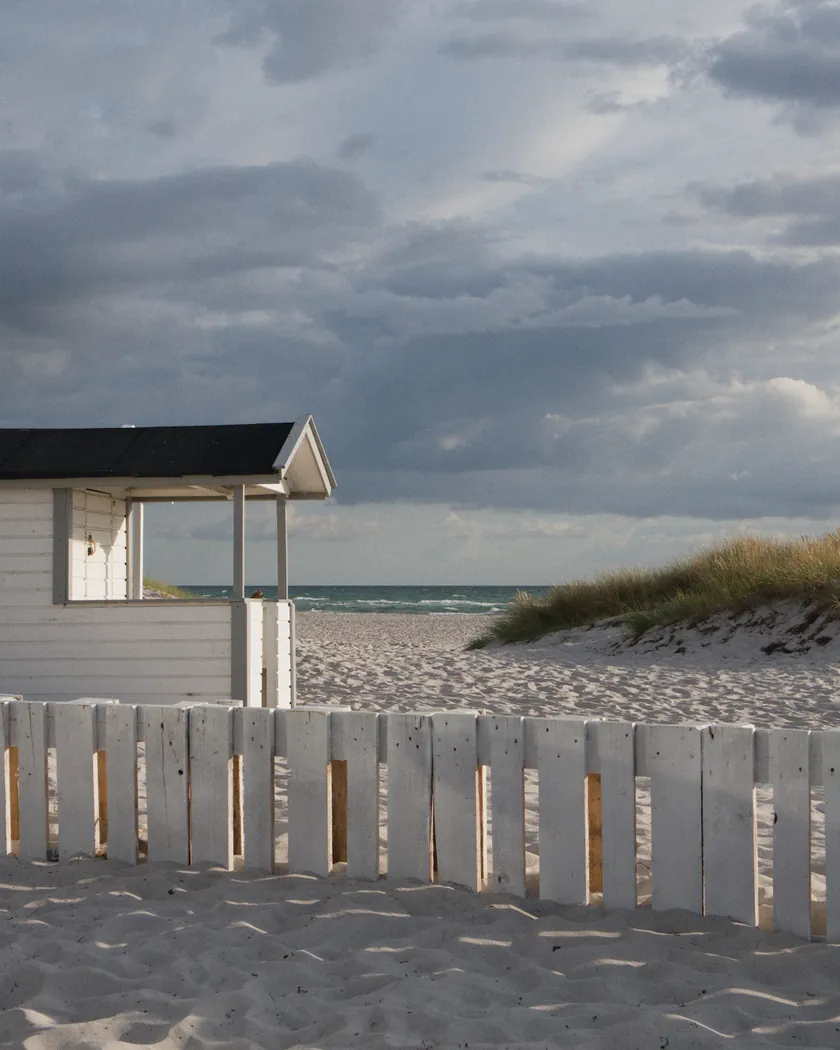
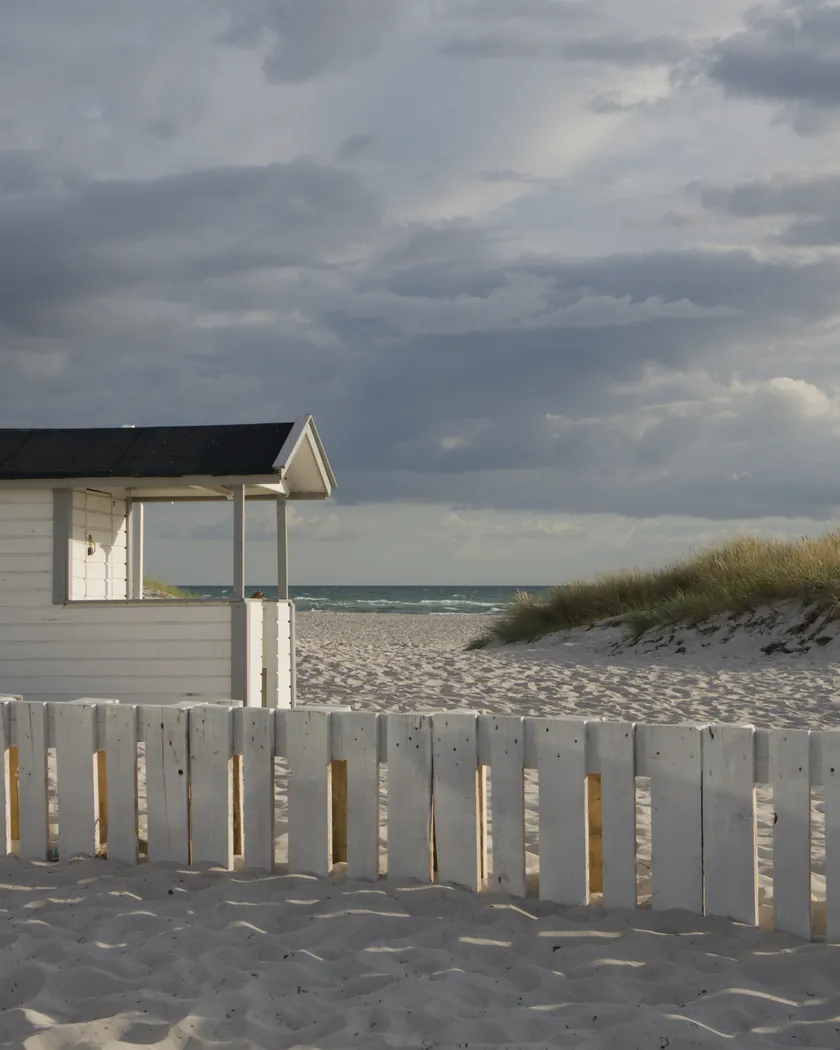
The measurements come from a few test photos of our own, which are not published on this site. The photos shown here are different.
| Photo | Zone | Baseline | Metric | Before | After | Film expectation |
|---|---|---|---|---|---|---|
| 0775 | whole image | Base rendering | Lsd (contrast) | 14.3 | 15.9 | Medium contrast: a little higher |
| 1014 | whole image | Base rendering | Lsd (contrast) | 30.7 | 32.3 | Medium contrast: a little higher |
| 1014 | whole image | Base rendering | L95 (whites) | 87.9 | 90.3 | No shoulder: whites open up |
| 0775 | sky | Base rendering | C (chroma) | 27.5 | 29.7 | Vivid blues |
| 0775 | sky | Base rendering | h (hue, °) | 273.6 | 268.1 | Cool palette: sky toward cyan |
| 0775 | sea | Base rendering | h (hue, °) | 270.1 | 264.4 | Cool palette: toward cyan |
| 0989 | skin | Base rendering | h (hue, °) | 44.2 | 37.8 | Lighter skin can turn pinkish |
| 0989 | skin | Base rendering | C (chroma) | 16.4 | 14.7 | Pinker, not more saturated |
| 1014 | pink T-shirt | Base rendering | C (chroma) | 33.7 | 37.6 | Magentas stand out |
Base rendering: darktable’s default processing of the RAW file, without the preset. Luminance conversion (black and white): the same photo converted with plain luminance weights, to isolate the effect of the film’s spectral sensitivity.
What the style changes
The style adds five darktable modules. It aims at the cool Superia X-TRA 400 of the reviews: medium contrast, cyan-leaning blues, vivid greens, a touch of magenta and fine grain that shows in the shadows. The sources are detailed on the Fujifilm Superia X-TRA 400 film page. All figures below come from renders made with darktable-cli 5.6.0 at 1000 px, measured in CIELab.
- Medium contrast, no shoulder. The tone curve is slightly steeper than the one in the Portra 400 style, with a short toe and open whites. Contrast rises by 1.6 on both test photos (Lsd 14.3 → 15.9 and 30.7 → 32.3), blacks barely move (L5 2.6 → 2.9) and the brightest 5 % of the frame go from L 87.9 to 90.3. That sits between the Portra 400 style (+0.4 to +0.6) and the Gold 200 style (+2 to +2.5).
- Cool, cyan-leaning blues. rgb primaries turns blue toward cyan. The sky moves from 273.6° to 268.1° and the sea from 270.1° to 264.4°, and both gain about 8 % chroma. The Portra 400 style pushes the same sky the other way, toward violet.
- Green-cyan shadows, a hint of magenta. A color balance rgb instance named “film” tints the shadows green-cyan, the midtones faintly magenta and the highlights blue. On a synthetic chart, a mid gray takes b* −1.1 and an off-white b* −1.9.
- Vivid greens and magentas. color equalizer raises the saturation of greens, magentas and yellows. On the same chart, a pure green gains 23 % chroma and a foliage green 13 %; yellow stays put. The pink T-shirt gains 12 % chroma and turns a little more magenta.
- Pinker skin. Skin hue moves from 44.2° to 37.8° and its chroma drops by 10 %, following Casual Photophile’s remark that lighter skin can turn pinkish.
- Fine grain, sized from the RMS granularity of 4, with a low midtones bias so that it stays visible in the shadows, as reviews describe.
For comparison, the t3mujinpack style for this film, rendered on the same files, lightens the image strongly (L 60.7 against 53.2), desaturates the sky and sea by 20 to 25 % and turns skin toward yellow (54.8°). On skin, it goes against the reviews we read; this style follows them.
What it leaves alone
- Your base development. The style contains no exposure, no sigmoid or filmic, no white balance, no color calibration and no LUT: those stay as you set them.
- Your pipeline order. The style file carries no module order list, so it does not impose one on your image.
- Your own color balance rgb. The style’s instance is named “film”, so it is added next to yours without changing it (unless the photo already has an instance named “film”, for example from an earlier application of the style).
What it does not leave alone: applied from the lighttable or the darkroom, each module of the style replaces the instance of the same name on the photo, or is added if there is none. The style’s unnamed modules, rgb primaries, color equalizer, tone curve and grain, therefore overwrite any settings you had already made in those modules. Your earlier settings stay in the history stack. Exporting with a style, or rendering with darktable-cli as our measurements do, adds the style’s modules as separate instances instead. Details in Install and apply darktable styles.
Limits
- An interpretation, not a calibration. No film was scanned or measured to tune the style. Real Superia also changes a lot with the scanner.
- Shadow color. Sources describe green, magenta or teal shadows. The style keeps a light green-cyan tint; it is multiplicative, so it barely shows in deep blacks.
- The magenta cast reported by reviews depends on the scan. The style only adds touches of it, in the midtones, skin and magentas.
- Greens were checked on a synthetic chart only. The four test photos have almost no vegetation.
- Exposure effects are not simulated: neither the green shadows and coarse grain of underexposure nor the warm cast of overexposure.
- An old datasheet. It describes the 2003 version, with its fourth layer; later versions reportedly dropped that layer, and nothing guarantees the datasheet describes the last one.
Tips
- For a stronger magenta cast, as some reviewers describe, raise the chroma of the midtones (hue 300°) in the “film” color balance rgb instance.
- Everything stays editable. The style’s modules are ordinary modules in your history: you can adjust or switch off each of them afterwards, for example the grain strength.
- Installation: see Install and apply darktable styles.
Get the preset
GA — 010 / P · darktable preset
Superia X-TRA 400
for darktable