darktable preset inspired by KonicaCenturia 400
Medium contrast, frank blues and greens, natural skin and visible grain; a cautious take on a discontinued film.
- Film
- GA — 057 · sheet, datasheet, sources
- Pack
- Full pack
- darktable
- 5.6 or later
- In darktable
- Styles › Pellicules › Couleur
- File
- Pellicules - Couleur - Konica Centuria 400.dtstyle
A darktable 5.6 style built from the Konica Centuria Super 400 datasheet: native modules, no LUT, measured on real RAW files. In the full pack.
Translation into darktable
| Module | Role | Settings |
|---|---|---|
| rgb primaries | Slightly purer greens, barely toward cyan; frank blues without a hue rotation | Green hue +0.02 rad, green purity 1.04, blue purity 1.03 |
| color balance rgb (instance “film”) | Neutral grays: a trace of cool in the shadows, a trace of warm in the highlights; medium saturation | Shadows 200° / 0.010, highlights 40° / 0.005; vibrance +0.02 |
| color equalizer | Frank greens and blues, skin held back slightly | Saturation: green ×1.06, blue ×1.05, orange ×0.96 |
| tone curve (RGB, per channel) | Slope about 0.65, short toe, soft shoulder, contrast a little softer than a Superia X-TRA 400 style | Nodes (0, 0.02) (0.10, 0.08) (0.25, 0.23) (0.5, 0.5) (0.75, 0.77) (0.9, 0.905) (1, 0.975) |
| grain | Diffuse RMS granularity 4 from the datasheet, with more visible grain than the Superia style, as reviews suggest | Coarseness 1500, strength 19, midtones bias 75 |
Measurements
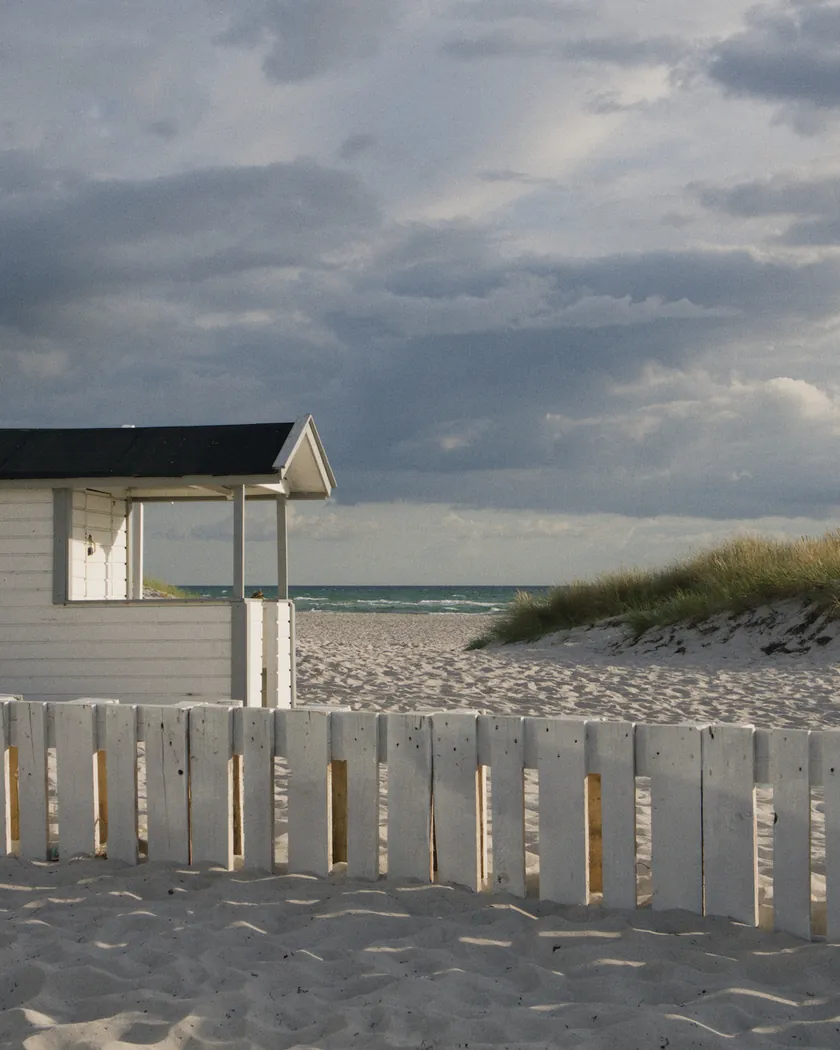
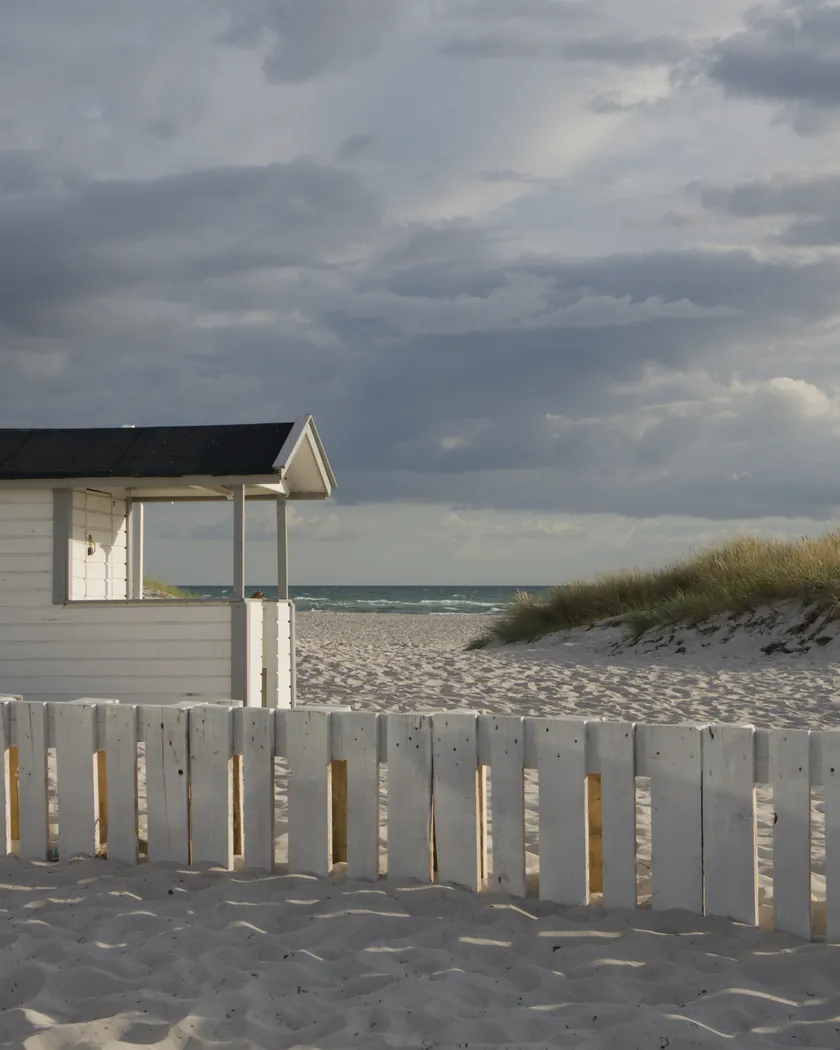
The measurements come from a few test photos of our own, which are not published on this site. The photos shown here are different.
| Photo | Zone | Baseline | Metric | Before | After | Film expectation |
|---|---|---|---|---|---|---|
| 0775 | whole image | Base rendering | L (mean lightness) | 53.2 | 53.2 | No specific target |
| 0775 | whole image | Base rendering | Lsd (contrast) | 14.3 | 15.4 | Medium contrast: a little above the base |
| 0775 | whole image | Base rendering | C (chroma) | 21.4 | 24.1 | Medium saturation |
| 1014 | whole image | Base rendering | Lsd (contrast) | 30.7 | 31.5 | Medium contrast |
| 1014 | whole image | Base rendering | L5 (blacks) | 2.6 | 3.4 | Soft toe: blacks barely raised |
| 1014 | whole image | Base rendering | L95 (whites) | 87.9 | 88.8 | Soft shoulder: whites barely more open |
| 0775 | sky | Base rendering | C (chroma) | 27.5 | 31.1 | Frank blues |
| 0775 | sky | Base rendering | h (hue, °) | 273.6 | 273.3 | Blue hue unchanged |
| 0775 | sea | Base rendering | C (chroma) | 22.2 | 25.7 | Frank blues |
| 0775 | sea | Base rendering | h (hue, °) | 270.1 | 268.6 | Blue hue unchanged |
| 0989 | skin | Base rendering | C (chroma) | 16.4 | 16.0 | Natural skin |
| 0989 | skin | Base rendering | h (hue, °) | 44.2 | 44.1 | Natural skin: hue unchanged |
| 1014 | pink T-shirt | Base rendering | C (chroma) | 33.7 | 36.4 | Medium saturation |
| 1014 | pink T-shirt | Base rendering | h (hue, °) | 358.8 | 359.3 | Hue unchanged |
| synthetic chart | foliage green patch | Base rendering | C (chroma) | 46.7 | 54.1 | Frank greens |
| synthetic chart | vivid green patch | Base rendering | C (chroma) | 88.3 | 90.5 | Frank greens (already near the gamut edge) |
| synthetic chart | yellow patch | Base rendering | C (chroma) | 82.7 | 75.3 | Not intended: an effect of the soft shoulder |
| synthetic chart | mid-gray patch | Base rendering | C (chroma) | 0 | 0 | Neutral grays |
Base rendering: darktable’s default processing of the RAW file, without the preset. Luminance conversion (black and white): the same photo converted with plain luminance weights, to isolate the effect of the film’s spectral sensitivity.
What the style changes
The style sets five darktable modules. It aims at a cautious Centuria 400: medium contrast with a soft shoulder, frank blues and greens, natural skin and visible grain, as described on the Konica Centuria 400 film page. Figures below come from renders made with darktable-cli 5.6.0 at 1000 px, measured in CIELab. Skin was measured on photo 0989, sky and sea on 0775 and the pink T-shirt on 1014.
- Medium contrast, soft shoulder. The tone curve follows the datasheet slope of about 0.65 with a short toe and a soft shoulder. Contrast rises a little (Lsd 14.3 → 15.4 on photo 0775, 30.7 → 31.5 on 1014), blacks barely lift (L5 2.6 → 3.4) and whites open slightly (L95 87.9 → 88.8). This is softer than a Superia X-TRA 400 style, which raises Lsd by 1.6 on both photos.
- Frank blues. Sky chroma goes from 27.5 to 31.1 and sea chroma from 22.2 to 25.7, with hue unchanged (273.6° → 273.3° and 270.1° → 268.6°). Blues gain saturation without turning cyan or violet.
- Cleaner greens. The test photos hold almost no foliage, so we checked greens on a synthetic chart of flat sRGB patches. A foliage green goes from chroma 46.7 to 54.1, and a vivid green from 88.3 to 90.5.
- Natural skin. Skin hue stays at 44° and skin chroma moves from 16.4 to 16.0.
- Neutral grays. The mid-gray patch stays at chroma 0.0 and the off-white gains only b = +1.0 (from 0.0). The datasheet-based intent is neutral grays.
- Visible grain, set for a diffuse RMS granularity of 4 and pushed slightly above the Superia style, because reviews describe Centuria grain as visible.
Yellow loses chroma (82.7 → 75.3) on the chart. That comes from the soft shoulder and was not intended. It has no effect on the test photos.
What it leaves alone
- Your base development. The style contains no exposure, no sigmoid or filmic, no white balance and no LUT. Those settings stay as you made them.
- Your color balance rgb. The style’s color balance rgb is a separate instance named “film”: it is added next to yours, which stays untouched.
- But not everything. When you apply a style from the lighttable or the darkroom, each of its modules replaces the instance of the same name if the photo has one, and is added otherwise. Modules without an instance name, such as the tone curve, rgb primaries, color equalizer and grain, replace any settings you already made in them. Your earlier settings remain in the history.
- Your pipeline order. The style file carries no module order list.
Exporting with a style, or rendering with darktable-cli, adds every module of the style as a separate instance. Our measurements were made that way, on darktable’s default rendering. See Install and apply darktable styles.
Limits
- Few sources. Reviews of this film are rare. The most useful pages, such as Lomography, Photrio, photo.net, DPReview, 35mmc and filmphotography.eu, refused automated access, so we know parts of them only through search summaries and do not treat them as read.
- Datasheet of the Super 400. The datasheet is that of Centuria Super 400 (2002). The other variants (Centuria 400, Pro 400) have no datasheet that we consulted, and nothing proves they share its curves.
- Vague color description. The sources describe the color only loosely (“brilliant”, “close to Superia and UltraMax”). The style stays close to neutral on purpose. That is a choice, not a measurement.
- Expired film. The greenish negatives, purple cast and strong grain of expired rolls are not simulated.
- Grain. The grain level follows a single forum opinion (“grainier than the competition”) and needs validation.
- Not a scan. The style is an interpretation of the datasheet and reviews. No film was scanned or measured to tune it.
Tips
- Apply it early. If you plan to fine-tune the tone curve, rgb primaries, color equalizer or grain yourself, apply the style first: it would replace those settings if you made them before.
- Watch yellows. If a yellow subject looks too dull, raise yellow in color equalizer after applying the style.
- Everything stays editable. Each module the style sets is an ordinary instance: adjust it or switch it off afterwards, for example the grain strength.
- Installation: see Install and apply darktable styles.
Get the preset
GA — 057 / P · darktable preset
Centuria 400
for darktable