darktable preset inspired by HarmanPhoenix 200
Hard contrast, coarse grain and a red halo around bright edges.
- Film
- GA — 011 · sheet, datasheet, sources
- Pack
- Full pack
- darktable
- 5.6 or later
- In darktable
- Styles › Pellicules › Couleur
- File
- Pellicules - Couleur - Harman Phoenix 200.dtstyle
A darktable 5.6 style built from the Harman Phoenix 200 datasheet: native modules, no LUT, measured on real RAW files. In the full pack.
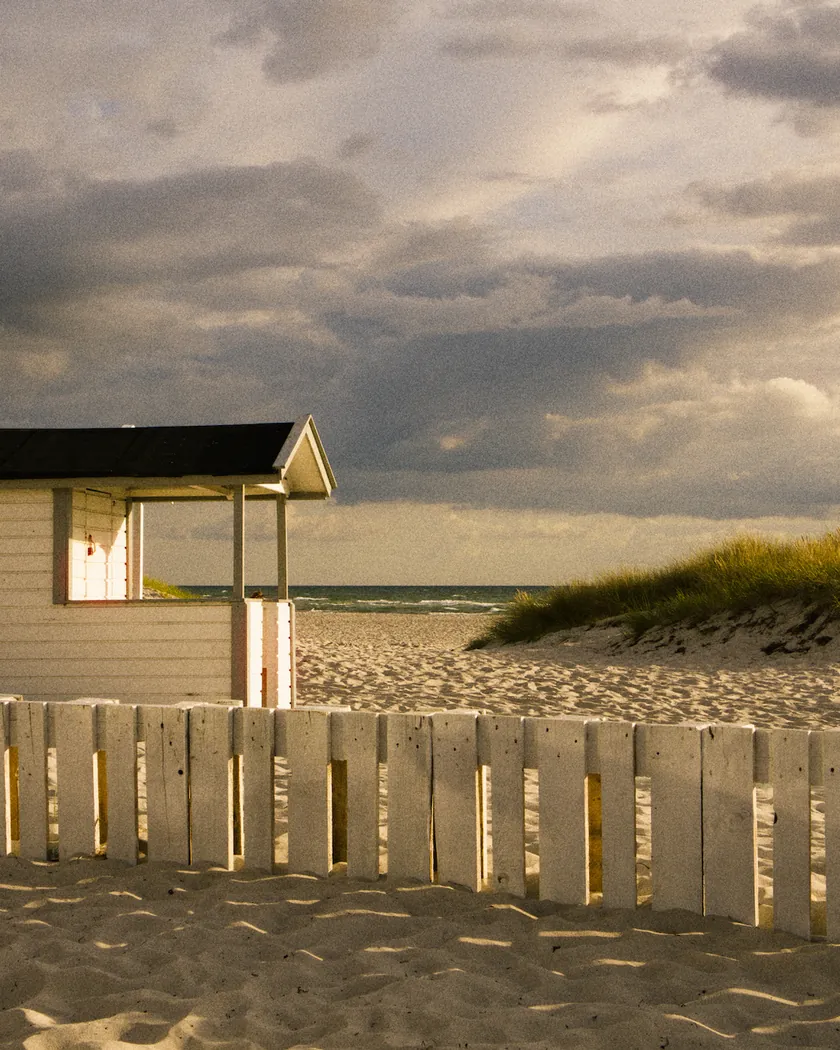
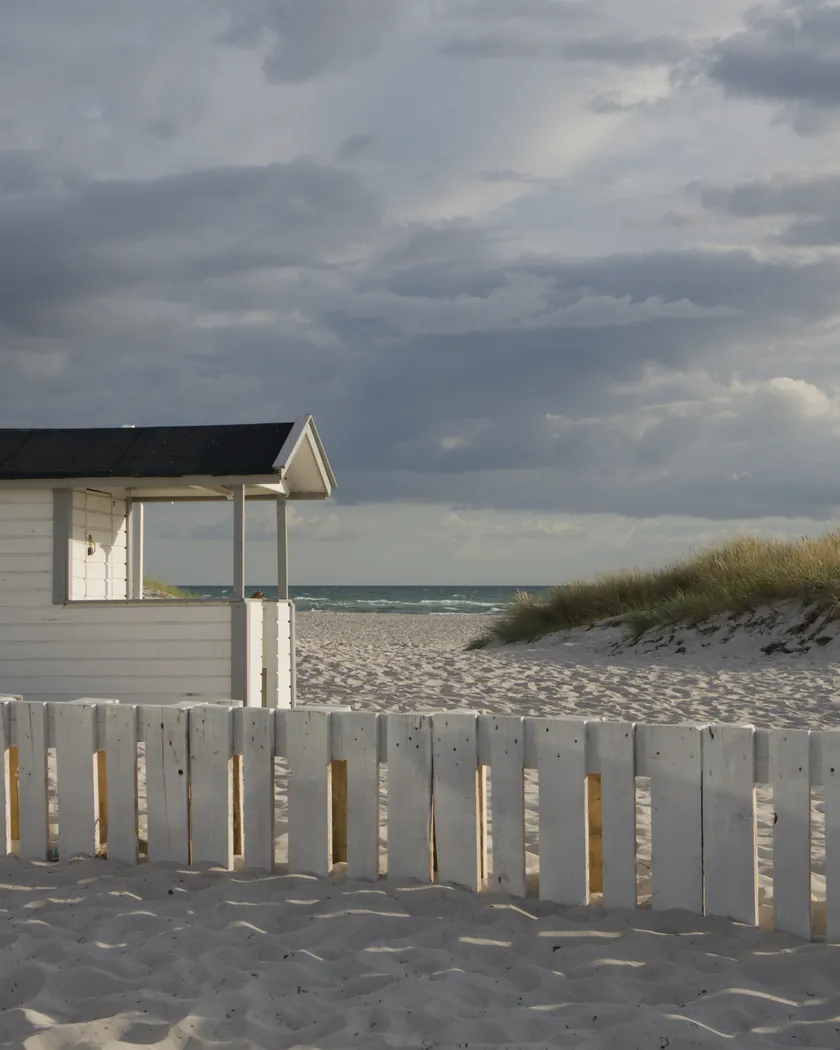
Translation into darktable
| Module | Role | Settings |
|---|---|---|
| blurs (instance “halation”) | Red halo spilling from large bright areas onto their darker surroundings | Gaussian blur, radius 200 px at full resolution; blend mode “RGB red channel”, opacity 30 %; parametric mask on linear luminance: blurred output from 0.25 to 0.7 and above, input up to 0.3, zero at 0.8 |
| rgb primaries | Greens toward yellow, reds slightly toward orange, purer skies | Green hue −0.08 rad, red hue +0.03 rad, blue purity 1.08 |
| color balance rgb (instance “film”) | Yellow-gold cast, cyan-blue shadows, a little extra saturation | Midtones 60° / 0.02, highlights 55° / 0.03, shadows 165° / 0.03; saturation +5 %, vibrance +0.05 |
| color equalizer | Uneven saturation: blues and yellows up, greens muted, skin held back; skin and greens toward yellow, denser skies | Saturation: yellow ×1.10, blue ×1.15, magenta ×1.05, green ×0.85, orange ×0.88; hue: orange +5°, green −8°; brightness: blue ×0.92 |
| tone curve (RGB, linked channels) | Midtone slope of about 1.5, shadows that block, highlights that reach white quickly | Nodes (0, 0) (0.1, 0.03) (0.2, 0.095) (0.35, 0.275) (0.5, 0.5) (0.65, 0.73) (0.8, 0.905) (0.9, 0.97) (1, 1) |
| grain | Coarse grain, present down into the shadows; set by eye, as Harman publishes no figure | Coarseness 2400, strength 36, midtones bias 60 |
Measurements
The measurements come from a few test photos of our own, which are not published on this site. The photos shown here are different.
| Photo | Zone | Baseline | Metric | Before | After | Film expectation |
|---|---|---|---|---|---|---|
| 1014 | whole image | Base rendering | Lsd (contrast) | 30.7 | 36.5 | Very high contrast |
| 0775 | whole image | Base rendering | Lsd (contrast) | 14.3 | 20.8 | Very high contrast |
| 1014 | whole image | Base rendering | L5 (blacks) | 2.6 | 0.6 | Shadows with very little information |
| 1014 | whole image | Base rendering | L95 (whites) | 87.9 | 95.8 | Stark highlights |
| 1014 | sunlit ground | Base rendering | b* | -0.2 | 11.7 | Warm, yellow to golden cast |
| 0775 | sky | Base rendering | C (chroma) | 27.5 | 35.1 | Very saturated, very blue skies |
| 0989 | skin | Base rendering | h (hue, °) | 44.2 | 63.3 | Yellowish skin |
| 0989 | skin | Base rendering | C (chroma) | 16.4 | 24.8 | Strong saturation |
| 1014 | pink T-shirt | Base rendering | C (chroma) | 33.7 | 52.4 | Strong saturation, reds that pop |
| 0989 | door under a white band | Base rendering | a* | 10.0 | 39.8 | Red halation next to bright areas |
Base rendering: darktable’s default processing of the RAW file, without the preset. Luminance conversion (black and white): the same photo converted with plain luminance weights, to isolate the effect of the film’s spectral sensitivity.
What the style changes
The style uses six darktable modules. It aims at the original Phoenix as lab scans usually show it: very high contrast, a yellow-gold cast, saturated but uneven color, red halos and coarse grain, as described on the Harman Phoenix 200 film page. It targets the 2023 film, which Harman now sells as Phoenix 125 (PetaPixel reports a tweaked formula), not Phoenix II. All figures below come from renders made with darktable-cli 5.6.0 at 1000 px, measured in CIELab.
- Very high contrast. On the datasheet, Phoenix’s curve is about twice as steep as a usual color negative’s. The tone curve reproduces that with a midtone slope of about 1.5. Contrast rises from Lsd 30.7 to 36.5 on one test photo and from 14.3 to 20.8 on another, more than the Velvia 50 style (19.6).
- Both ends go. Shadows block (the darkest 5 % drop from L 2.6 to 0.6; a dark archway goes from L 5.3 to 1.4) and highlights reach white quickly (the brightest 5 % rise from 87.9 to 95.8). Velvia 50’s style also blocks its blacks but keeps its whites: that is the main tonal difference between the two.
- A yellow-gold cast. A color balance rgb instance named “film” warms the midtones and highlights toward yellow-gold and turns the shadows cyan-blue, following the crossing of the datasheet’s color curves. Sunlit ground goes from b* −0.2 to +11.7.
- Yellowish skin. Skin hue moves from 44° to 63°, further than with the Kodak Gold 200 style (56.7°), at a similar saturation (24.8 against 25.7): yellowish rather than golden.
- Strong, uneven saturation. Sky chroma rises by 28 %, skin by 51 % and a pink T-shirt by 55 %, which also turns toward orange (h +18°). The color equalizer pushes blues and yellows, mutes greens and holds orange back so that skin does not saturate further. The sky turns slightly toward violet (h +4°) and the sea darkens (L −8.5).
- Red halation. A blurs instance named “halation” replaces the red channel near large bright areas with a blurred copy, at 30 % opacity. Under a white band, a blue door picks up a red-magenta fringe (a* 10.0 → 39.8), and the top of a blue box turns 8° toward violet. The mask acts on 11.4 % of the pixels of one test photo and 3.2 % of another, and hardly at all where there is no large bright area.
- Coarse grain, coarser and stronger than in the Kodak Gold 200 style (1600 / 20), and present in the shadows as well.
What it leaves alone
- Your base development. The style contains no exposure, no sigmoid or filmic, no white balance and no LUT: those settings stay as you made them.
- Your own color balance rgb and blurs. The style’s instances are named “film” and “halation”. Applied from darktable’s interface, named instances are added next to yours and do not overwrite them.
- But not your rgb primaries, color equalizer, tone curve or grain. Applied from the lighttable or the darkroom, each unnamed module of the style replaces your instance of the same module, if you have one, with the style’s settings. Your earlier settings stay in the history stack, so you can go back to them. Only exporting with a style, or darktable-cli (which we used for the measurements), adds the style’s modules as separate instances. The installation guide explains both cases.
- Your pipeline order. The style file carries no module order list, so it does not impose one on your image.
Limits
- An interpretation, not an emulation. Phoenix depends heavily on the scan. The style follows lab scans, with strong contrast and saturation; a camera scan can give a much calmer result.
- Irregularity cannot be reproduced. Frame-to-frame color shifts, bursts of purple and coating defects do not fit in a fixed style: it gives an average version.
- Sources disagree on blues (very blue or dull) and greens (pleasing or yellowed). The style follows the majority: stronger blues, greens yellowed and a little muted.
- No grain figure. Harman publishes no granularity, so the grain is set by eye from reviews.
- Approximate halation.
- The “RGB red channel” blend replaces red with its blurred version, which softens the red channel’s texture slightly near highlights.
- Blue surfaces next to a bright area turn violet or magenta.
- Small, very bright sources, such as sun glints on water, get no halo: the blur dilutes them. On film, they would have one.
- The thresholds work on linear luminance, so the halo depends on the exposure of your base edit.
- Cyan-blue shadows cannot be measured: the curve crushes them.
- Lost shadow detail is intended, but it makes the style a poor fit for high-contrast scenes where you want to keep the shadows.
- Phoenix II is not covered. Harman describes it as a different film, with more normal contrast and color and finer grain.
Tips
- Less halation: lower the opacity of the “halation” blurs instance, or switch it off.
- Closer to a camera scan: lower the contrast of the tone curve and the saturation of the “film” color balance rgb instance, as Harman itself suggests reducing saturation when scanning.
- Installation: see Install and apply darktable styles.
Get the preset
GA — 011 / P · darktable preset
Phoenix 200
for darktable