darktable preset inspired by AgfaVista 400
Warm, saturated color negative with orange-leaning reds, deep blues and a visible grain structure.
- Film
- GA — 070 · sheet, datasheet, sources
- Pack
- Full pack
- darktable
- 5.6 or later
- In darktable
- Styles › Pellicules › Couleur
- File
- Pellicules - Couleur - Agfa Vista 400.dtstyle
A darktable 5.6 style built from the Agfa Vista 400 datasheet and reviews: native modules, no LUT, measured on real RAW files. In the full pack.
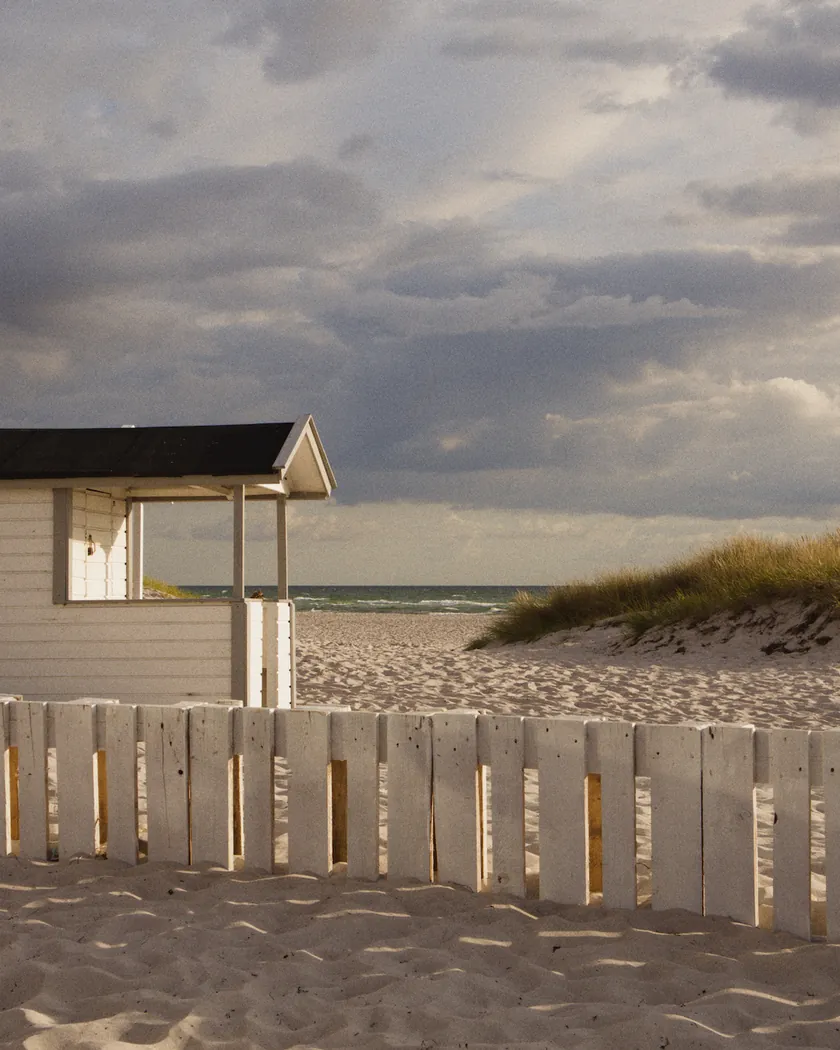
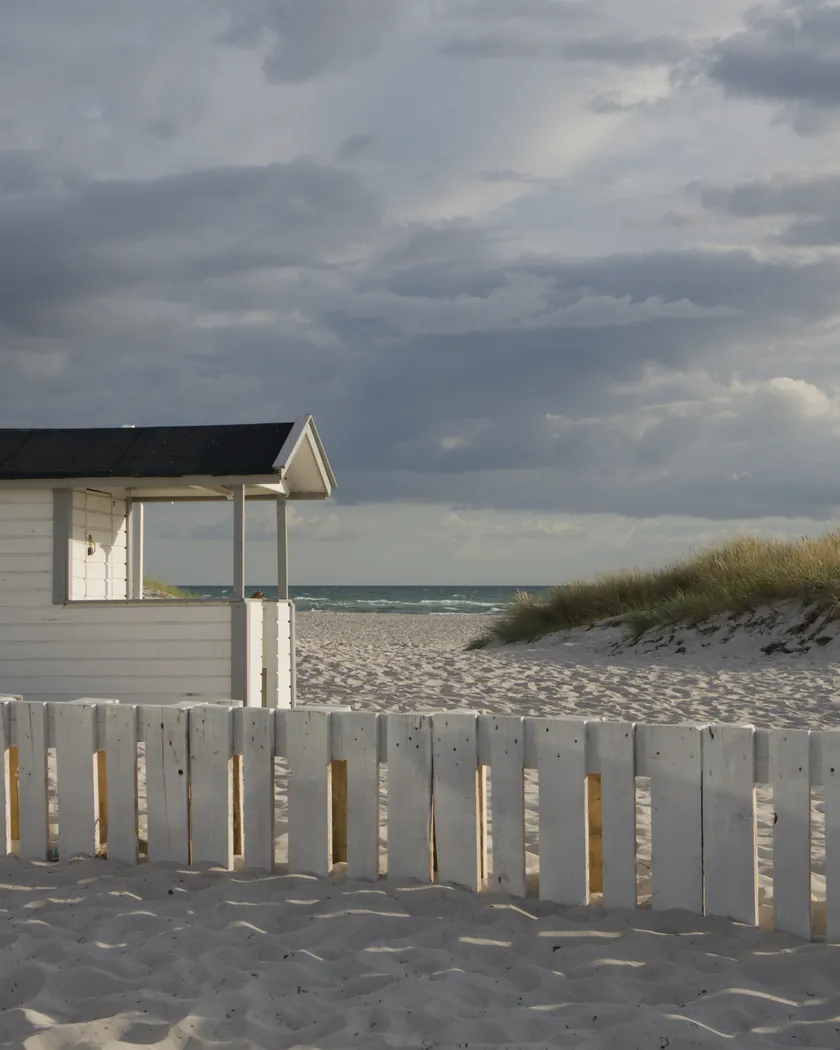
Translation into darktable
| Module | Role | Settings |
|---|---|---|
| rgb primaries | Warm reds (the opposite of the Vista 200's crimson), yellowish greens, recentered blue | Red hue +0.015 rad, green hue −0.06 rad, blue hue −0.05 rad; red purity 1.03 |
| color balance rgb (instance “film”) | Warm cast in midtones and highlights, nearly neutral shadows; high saturation | Midtones 55° / 0.012, shadows 30° / 0.006, highlights 60° / 0.014; saturation +12 %, vibrance +0.08 |
| color equalizer | Deep greens and blues, bright reds and yellows, skin held back | Saturation: red ×1.08, yellow ×1.08, green ×1.10, blue ×1.12, orange ×0.86; brightness: green ×0.96 |
| tone curve (RGB, per channel) | Medium to strong contrast, blacks slightly lifted, highlights slightly held back | Nodes (0, 0.02) (0.10, 0.07) (0.25, 0.21) (0.5, 0.51) (0.75, 0.80) (0.90, 0.93) (1, 0.985) |
| grain | Sized from RMS granularity 4.5: more visible than the Vista 200 style | Coarseness 1700, strength 24, midtones bias 75 (Vista 200: 1400 / 16) |
Measurements
The measurements come from a few test photos of our own, which are not published on this site. The photos shown here are different.
| Photo | Zone | Baseline | Metric | Before | After | Film expectation |
|---|---|---|---|---|---|---|
| 1014 | whole image | Base rendering | Lsd (contrast) | 30.7 | 33.0 | Somewhat muted in reviews: contrast up, but less than the t3mujinpack style (34.7) |
| 0775 | whole image | Base rendering | Lsd (contrast) | 14.3 | 17.0 | Contrast up, less than the t3mujinpack style (19.6) |
| 1014 | whole image | Base rendering | L5 (blacks) | 2.6 | 3.1 | Blacks not crushed (muted allure) |
| 0775 | whole image | Base rendering | L5 (blacks) | 29.4 | 26.0 | Blacks not crushed |
| 0775 | whole image | Base rendering | C (chroma) | 21.4 | 24.1 | Saturated |
| 0775 | sky | Base rendering | C (chroma) | 27.5 | 31.8 | Rich, deep blues: about 16 % more saturated |
| 0775 | sky | Base rendering | h (hue, °) | 273.6 | 272.1 | Sky hue kept (within 2°) |
| 0775 | sea | Base rendering | C (chroma) | 22.2 | 25.3 | Rich, deep blues: about 14 % more saturated |
| 0989 | skin | Base rendering | C (chroma) | 16.4 | 23.6 | Saturated skin: about 44 % more |
| 0989 | skin | Base rendering | h (hue, °) | 44.2 | 52.3 | Warmer, more orange skin (one review: skin “inaccurate”) |
| 1014 | pink T-shirt | Base rendering | C (chroma) | 33.7 | 45.7 | Saturated: about 36 % more |
| 1014 | pink T-shirt | Base rendering | h (hue, °) | 358.8 | 11.5 | Reds and pinks turn toward orange (warm cast) |
Base rendering: darktable’s default processing of the RAW file, without the preset. Luminance conversion (black and white): the same photo converted with plain luminance weights, to isolate the effect of the film’s spectral sensitivity.
What the style changes
The style sets five darktable modules. It aims at a warm, saturated Vista 400: orange-leaning reds, deep greens and blues, blacks slightly lifted and grain that is more visible than on the Vista 200, as the datasheet and the reviews on the Agfa Vista 400 film page describe. The figures below come from renders of the same test photos, measured in CIELab. Most film reviews cover the later AgfaPhoto Vista Plus 400, so the style follows the 2003 Agfa datasheet and treats them as approximate.
- Contrast and blacks. The RGB tone curve, applied per channel, raises contrast (Lsd 14.3 → 17.0 on photo 0775, 30.7 → 33.0 on photo 1014), less than the t3mujinpack style (19.6 and 34.7). Blacks are not crushed: the darkest 5 % of photo 1014 rise from L 2.6 to 3.1, while on photo 0775 they go from L 29.4 to 26.0.
- Saturation. color balance rgb adds 12 % saturation and 0.08 vibrance. color equalizer raises green (×1.10), blue (×1.12), red and yellow (×1.08) and lowers orange (×0.86). Chroma goes up: sky 27.5 → 31.8, sea 22.2 → 25.3, skin 16.4 → 23.6, pink T-shirt 33.7 → 45.7. The style is more saturated than t3mujinpack except on the pink.
- Warm hues. color balance rgb adds a warm cast to midtones and highlights, and rgb primaries turns reds toward orange and greens toward yellow. Skin moves 8° toward orange (44.2° → 52.3°) and the pink T-shirt about 13° (358.8° → 11.5°). Sky and sea hues stay within 2°. The Vista 200 style does the opposite, with skin 6° redder and pink unchanged.
- Grain. Sized from Agfa’s RMS granularity of 4.5 (Vista 200: 4.3): coarseness 1700 and strength 24, against 1400 and 16. Grain is not in the measurement table; it was judged by eye on 2560 px exports.
What it leaves alone
- Your base development. The style contains no exposure, no sigmoid or filmic, no white balance and no LUT.
- Your color balance rgb. The style’s color balance rgb is a separate instance named “film”: it is added next to yours, which stays untouched.
- But not your tone curve, rgb primaries, color equalizer or grain. When you apply a style from the lighttable or the darkroom, each of its modules replaces the instance of the same module with the same name, if the photo has one, and is added otherwise. These four carry no instance name, so they replace settings you had already made in them. Your earlier settings remain in the history.
- Your pipeline order. The style file carries no module order list.
Exporting with a style, or rendering with darktable-cli, works differently: every module of the style is added as a separate instance. Our measurements were made that way. The details are in Install and apply darktable styles.
Limits
- An interpretation, not a calibration. No film was scanned. The style is tuned from reviews and a brochure, and does not claim to match a real roll.
- Two products. The datasheet is the 2003 Agfa Vista 400; the reviews are mostly of the later AgfaPhoto Vista Plus 400. Nothing guarantees they describe the same emulsion.
- Yellowish greens have no direct source for the 400. They come from the Vista 200 style (slightly muted greens) and from a reading of the warm palette. No review of the 400 mentions them.
- Grain opinions conflict. One review calls the grain a very real issue, another a Lomography user reportedly calls it surprisingly fine. The style follows the datasheet and the first review.
- The density curves of the brochure were not used numerically.
- Skin is clearly orange. This is intentional, based on a single source (Casual Photophile), and not flattering.
- No exposure shift. The style does not simulate color shifts in under- or overexposure.
Tips
- Apply it early. If you plan to fine-tune the tone curve, rgb primaries, color equalizer or grain yourself, apply the style first: it would replace those settings if you made them before.
- Everything stays editable. Each module the style sets is an ordinary module instance: adjust or switch it off afterwards, for example the grain strength or the “film” color balance rgb.
- Watch skin. Skin turns more saturated and orange. If that is too much, lower the orange and red saturation in color equalizer.
- Installation: see Install and apply darktable styles.
Get the preset
GA — 070 / P · darktable preset
Vista 400
for darktable